From handwriting to groceries
Photograph a handwritten shopping list, review ten detected items, add them to Store, and correct an item's category.
For iPhone and Android
Family life has a lot of moving parts. Bring them together.
Shopping lists, tasks, appointments, reminders, and the little details you need again later—Family Assistant gives your household a shared place for all of them. Add information through text, voice, or a photo, and keep everyday responsibilities connected across iPhone and Android.



Less switching between apps. More room for family life.
You don't always have time to open the right list, find the right screen, and type everything out. Family Assistant lets you start with a request, a spoken instruction, or something you've photographed. Supported information can then be organized into the right part of your household.
Speak a household request, review the recognized text, and send it to Family Assistant. Add groceries, create tasks, or capture a reminder without starting from an empty form.
Add milk and eggs to the shopping list.
Voice uses cloud transcription and requires the relevant permissions and available usage allowance.
Write a request in everyday language. Family Assistant recognizes supported actions such as creating tasks, adding shopping items, scheduling events, and finding saved household information.
Remind me tomorrow at 9 to call the dentist.
What is our dentist's phone number?
The Assistant handles supported household requests, rather than unrestricted conversations or autonomous actions.
Photograph a handwritten list, appointment card, school notice, or recipe—or select a supported image or PDF. Family Assistant can suggest shopping items, tasks, events, reminders, or Memories for you to review before adding them.
A school notice includes a class trip date and a form that needs to be returned. Review the suggested event and task before saving them.
Image and PDF analysis requires supported AI functionality and available allowance. Review suggestions before adding them; recognition is not always perfect.
Meet the idea behind Family Assistant: fewer scattered lists, fewer forgotten details, and a shared place for the things families manage every day.
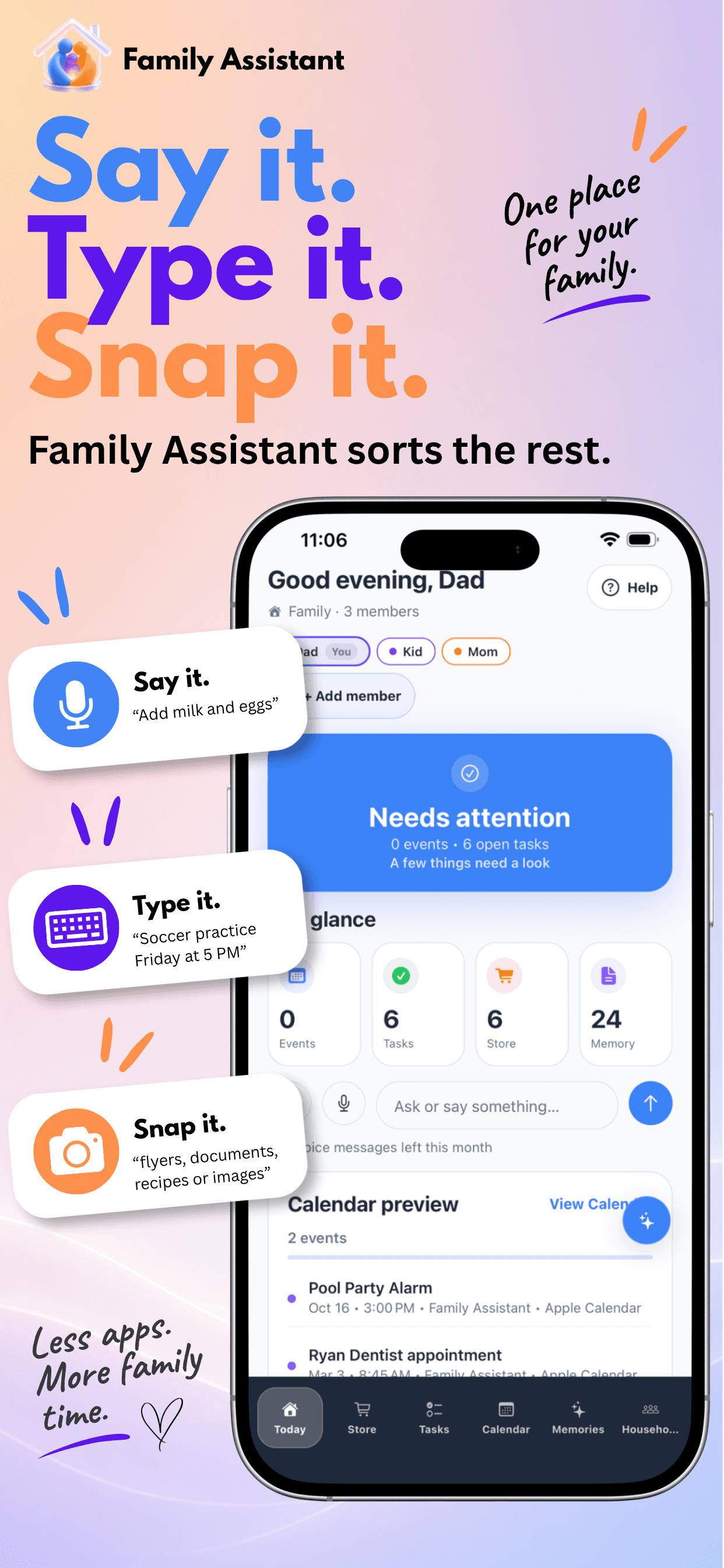
Open Family Assistant and see what is happening across your household. Today brings upcoming events, open tasks, shopping items, reminders, and recent activity into one practical overview.
See what still needs doing, check off a task, or mark an item as purchased without navigating through several screens. Your household summary changes with the information that needs attention.
See upcoming calendar events and a preview of the plans your household needs to keep in mind.
Complete an open task or check off a shopping item directly from Today.
View counts for events, open tasks, shopping items, and saved Memories, with shortcuts to the corresponding sections.
Review recent household changes and view reminders alongside your daily information.
The task count includes all open tasks, not just those due today.
Whether you're planning the weekly groceries or remembering something while you're out, Family Assistant gives everyone in your household a shared shopping workspace.
Add items, adjust quantities, organize them into categories, and check things off as you shop. Household members can work from the same list across iPhone and Android, making it easier to coordinate what you need without sending messages back and forth.
Household members can add items and see what is still needed. Mark something as purchased, undo a completion when necessary, or adjust a quantity.
Organize products into categories such as produce, dairy, pantry, cleaning supplies, pet products, or household essentials. Edit categories when something needs to be moved.
Supported photo capture can help create shopping suggestions. Eligible product photos can also be attached as references so another household member knows which item you meant.
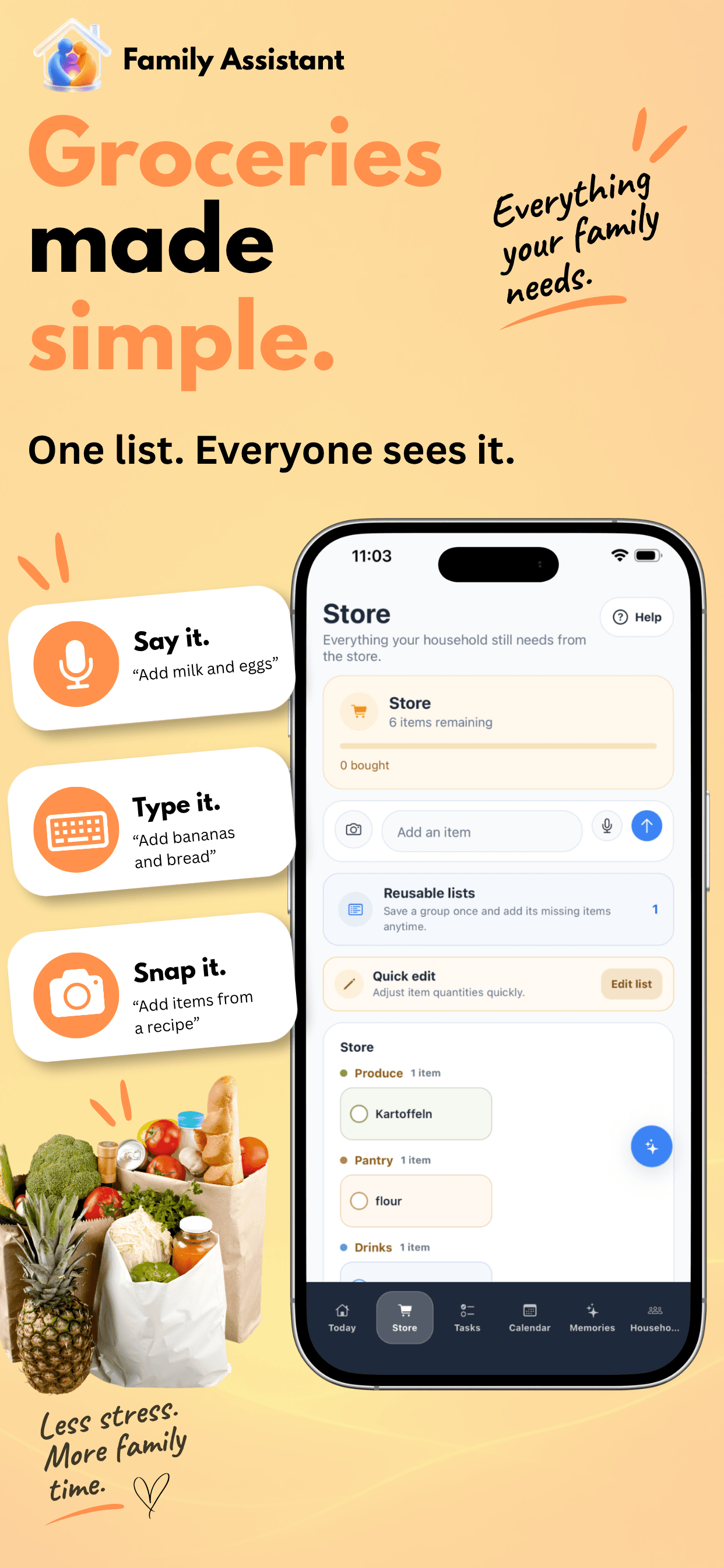
Create reusable shopping lists for familiar routines, such as weekend breakfast, weekly groceries, or party supplies. Apply a saved list to add items to your active shopping workspace.
Supported paid-plan options let you organize items by shopping destination, such as a grocery store, pharmacy, or home improvement store.
Reusable shopping lists require an eligible paid plan. They add items to the active workspace; they are not separate shopping sessions with permanent purchase histories.
Watch real Family Assistant demonstrations, recorded at actual app speed.
Photograph a handwritten shopping list, review ten detected items, add them to Store, and correct an item's category.
Choose a saved Weekend Breakfast list and watch four items appear in an empty shopping list.
Household responsibilities shouldn't disappear into text messages or depend on one person remembering everything.
Create shared tasks, assign them to household members, add due dates, and keep the work visible. Family Assistant groups open tasks by the person responsible, so it's easier to see who's handling what.
Assign a task to a household member, change the assignment when plans change, or leave it unassigned until someone takes responsibility.
Add or edit due dates so it's clear when something needs to be finished. Overdue and upcoming dates are presented in the task interface.
Add a reference photo to a task when a picture communicates something better than a description.
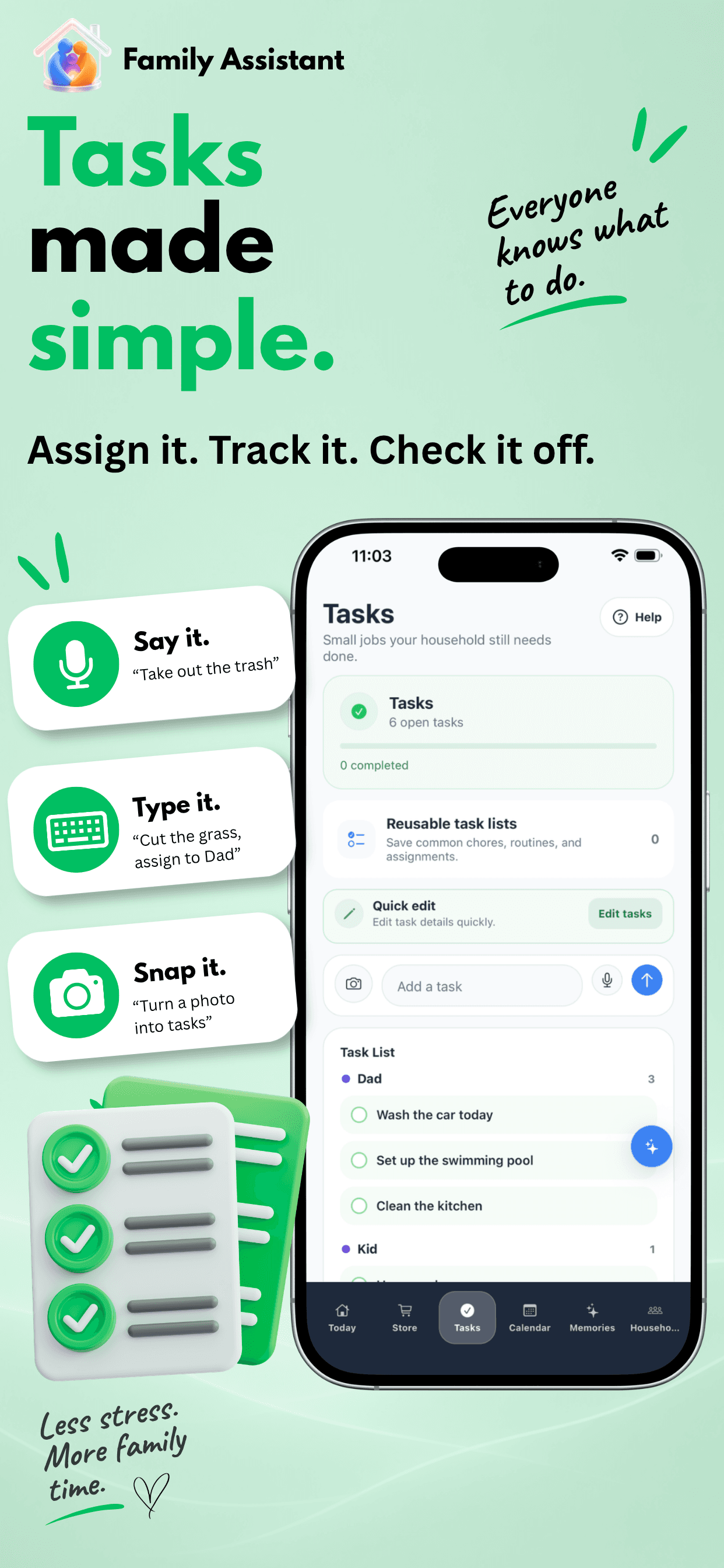
Create reusable task lists for routines such as preparing for a trip, getting the house ready for guests, or completing a regular set of chores.
Tasks are grouped by household member, including an unassigned group, while the shared task list remains visible to the household.
Reusable task lists require an eligible paid plan and are applied manually. A due date does not create an automatic reminder or a recurring chore.
See how Family Assistant turns a voice request into a task assigned to a household member, complete with a due date and a reference photo.
Create a task using a spoken request.
Keep the responsibility and due date visible.
Open the photo later directly from the task.
Family Assistant gives your household a shared calendar for appointments, events, and the plans that matter to everyone.
Create events with dates, times, notes, and locations. View the week or month, check upcoming appointments, and keep shared family plans visible alongside the rest of your household information.
Create Family Assistant events that belong to your shared household workspace, so authorized members can see the family's plans.
Move between calendar views to see what's happening soon or look further ahead.
Create supported daily, weekly, monthly, or yearly recurring events for plans that happen regularly.
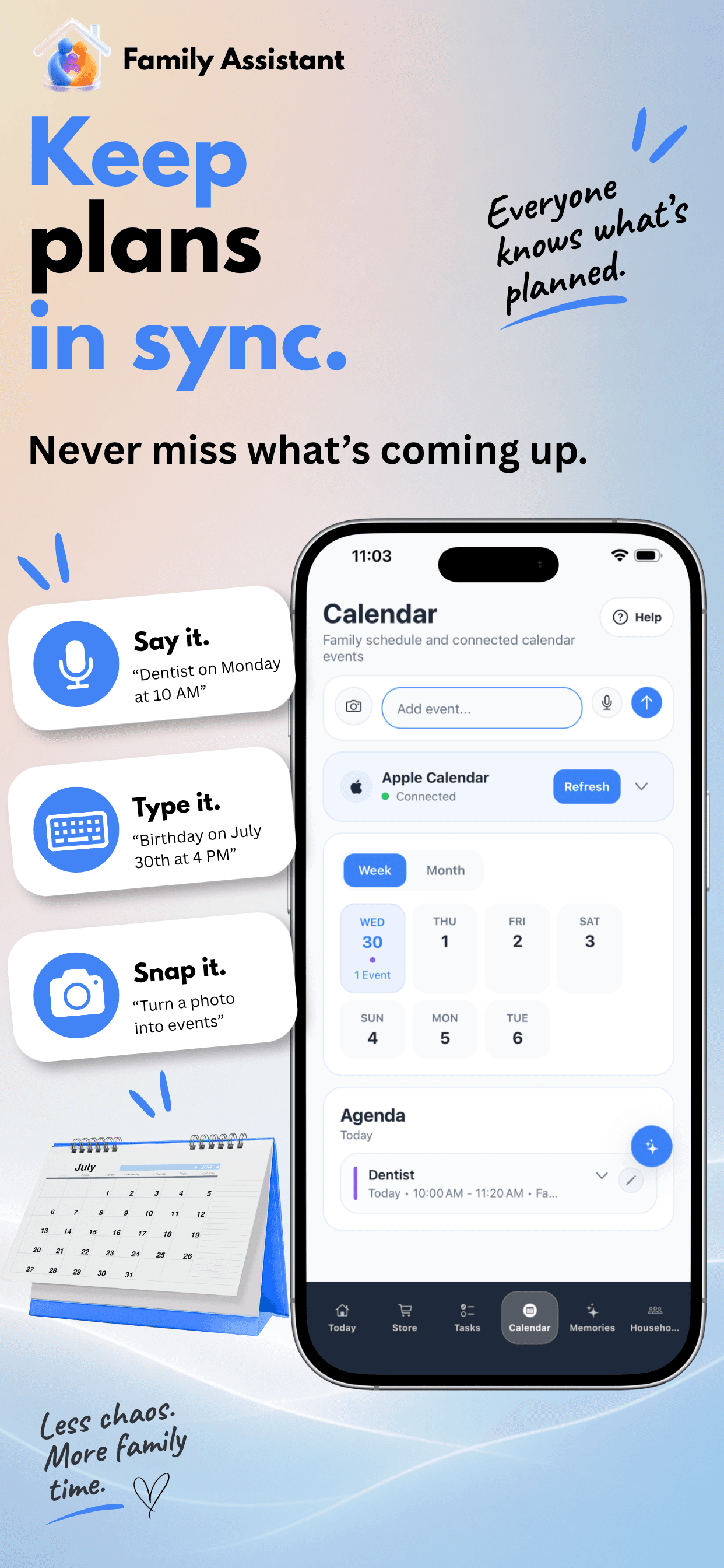
On iPhone, Family Assistant can work with supported calendars available through the device's calendar system. On Android, supported Google Calendar connections can bring personal calendar information into view.
Supported connected-calendar events can be explicitly shared with the household or selected members, rather than automatically exposing every personal appointment.
Calendar connections depend on provider support, permissions, and configuration. Shared household events and optional personal-calendar connections have different capabilities; universal two-way synchronization is not promised.
Watch how to create a family event manually, review its details, and switch between weekly and monthly calendar views.
Choose a date, enter a title, and set the start and end times.
Open the saved event to view or update its details.
Move between week and month views to explore your plans.
Some information is useful long after the conversation is over.
A teacher's contact details. The household Wi-Fi password. A pet's care instructions. Someone's preferences. The information you always seem to need when you can't remember where you put it.
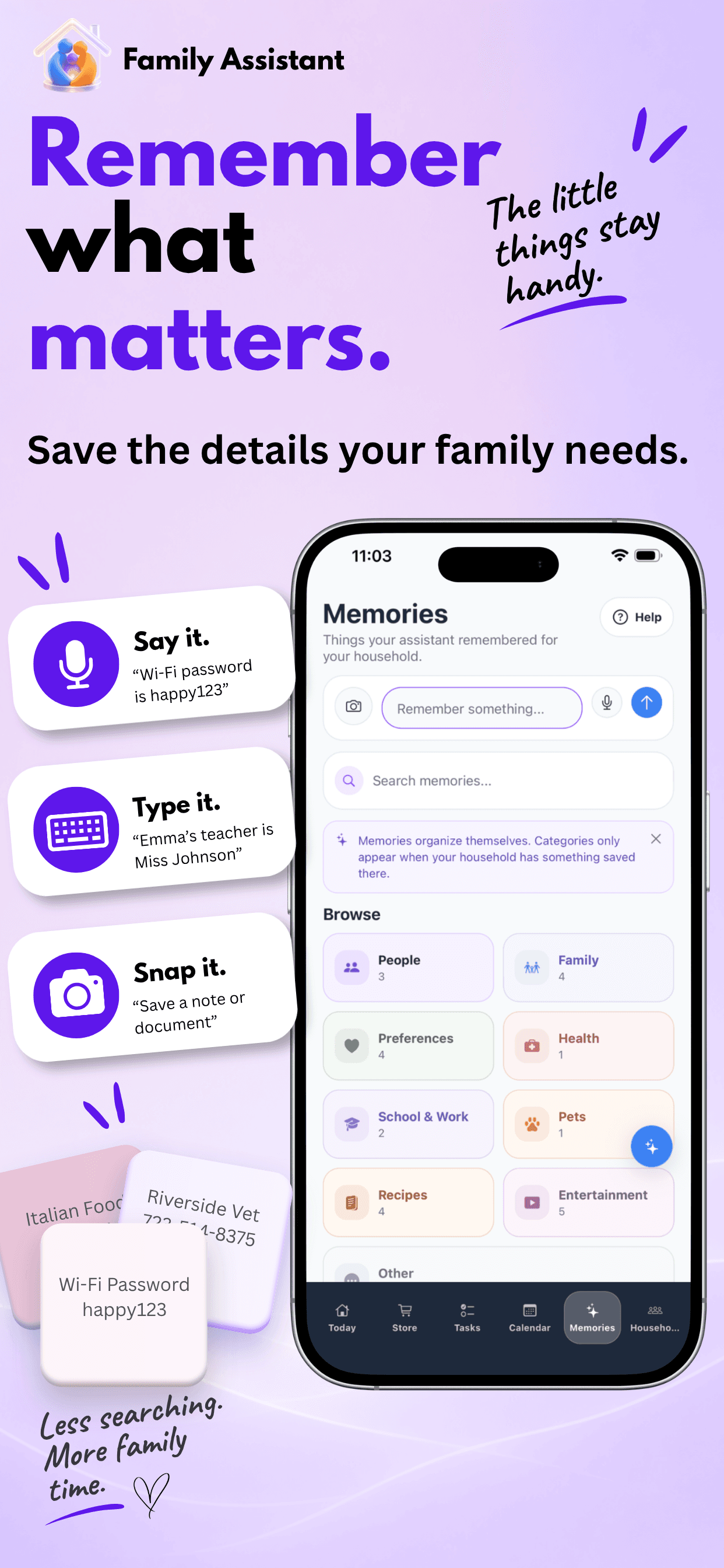
Family Assistant's Memories gives your household a place to save these details, organize them, and find them again.
Save household information in categories such as Contacts, Family, School & Work, Pets, Recipes, Travel, and more.
Search saved information, browse categories, or explore details associated with household members.
Use supported Assistant questions to retrieve household facts you previously stored.
“What is our dentist’s phone number?”
The school contact and phone number.
“What is the school contact’s phone number?”
The Assistant can find the stored number when the question is supported.
Save practical details about household members, such as preferences, routines, or important information you may need again.
Attach a reference photo to an eligible saved Memory when a visual detail is useful.
Assistant retrieval depends on saved content and supported interpretation. Attached photo contents are not automatically indexed for search; Memories is not unrestricted document search.
Watch Family Assistant save a household contact through voice, retrieve the information later, and turn the saved phone number into a useful action.
Speak a contact detail and save it as a household Memory.
Retrieve the saved phone number through the Assistant.
Tap the recognized number to open your phone's calling option.
Family Assistant is designed for the people managing everyday life together.
Create a household, invite others with a code, and give members a shared place for shopping, tasks, events, reminders, and useful information.
Whether someone uses an iPhone or Android phone, authorized members can work with the same household data.
Shopping · Tasks · Events · Reminders · Memories
Create a household and invite members to join through a household invitation code.
Organize people with recognizable member names and colors, making assignments and household information easier to follow.
Keep shared household information available across supported iPhone and Android devices.
Household owners manage membership and household settings, while members participate in shared everyday organization.
Member limits depend on plan. Shared household data does not mean every member receives every reminder.
Explore the redesigned Household hub, search for settings, and jump directly to the controls you need.
Five clear categories for household management, connections, preferences, and support.
Search for notifications or language and jump directly to the highlighted setting.
Explore household options and switch between light and dark appearance.
Bring shopping, responsibilities, plans, and useful household information together—and add what you need in the way that works for you.